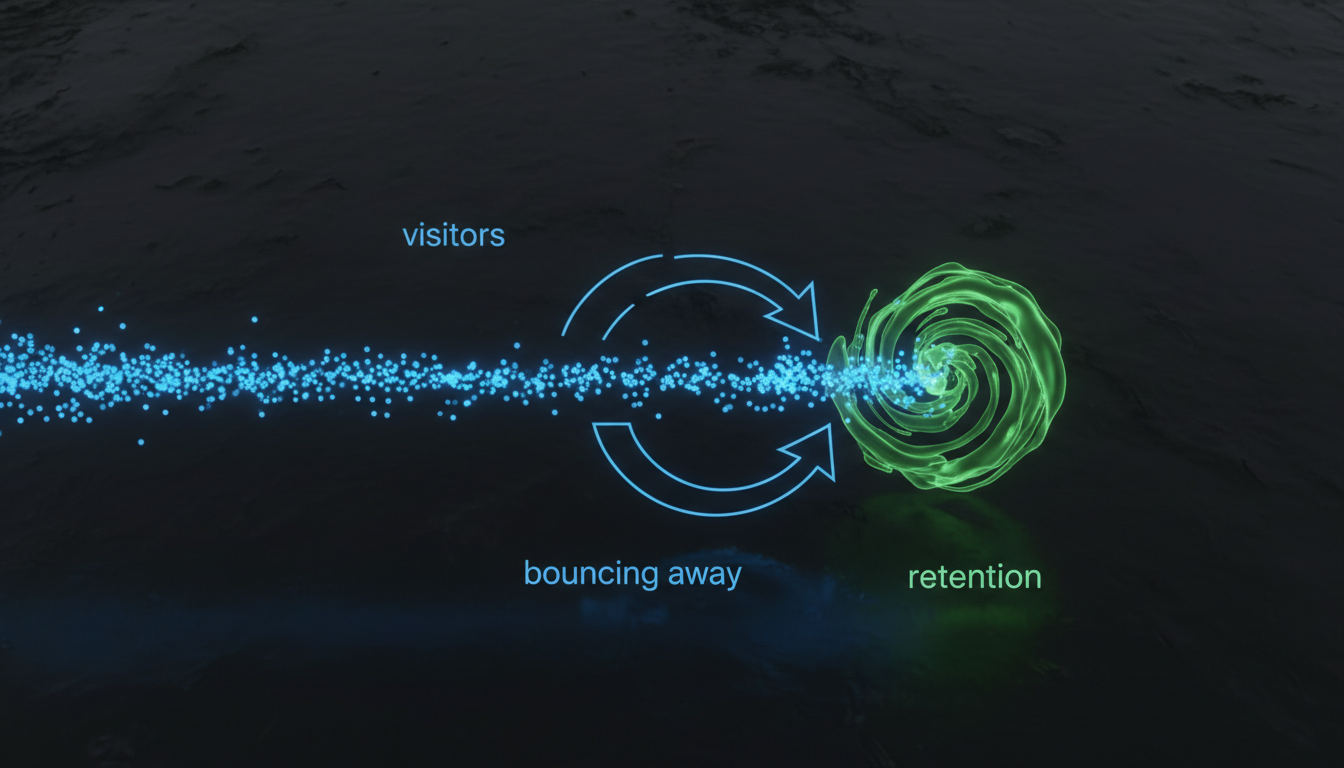
This post covers the 11 most common landing page mistakes that waste paid traffic budget: message mismatch, slow load times, too many exit points, weak above-the-fold, missing social proof, mobile neglect, and more.
1. Message Mismatch Between Ad and Page
This is the single most expensive mistake in paid traffic. Someone clicks an ad that says "50% off premium dog food, this week only." They land on a page that says "Welcome to Happy Paws." The visitor checks out immediately because the thing they clicked for isn't clearly confirmed on the page.
Message match means the headline on your landing page echoes exactly what the ad promised. Same offer, same language, same visual tone. It sounds simple, and it is. But about 60% of the landing pages we audit have weak or zero message match.
The fix is straightforward. For each ad group or ad set, create a landing page that mirrors its specific angle. Yes, this means more pages. But a well-matched page converts 2-3x better than a generic one, so the math works out quickly.
2. Slow Page Load Speed
Every second of load time costs you conversions. The data is pretty clear on this: pages that load in under 2 seconds convert at roughly double the rate of pages that take 5+ seconds. And most of your paid traffic is mobile, where connection speeds are inconsistent.
The biggest culprits on Shopify stores are uncompressed images, too many third-party scripts (chat widgets, review carousels, pop-up tools), and heavy theme files. Each installed Shopify app adds JavaScript that loads on every page.
Test your landing page speed with Google PageSpeed Insights. If your mobile score is below 50, you're losing a significant chunk of the traffic you're paying for. We've written a full guide on mobile landing page speed if you want the detailed fixes.

3. Too Many Exit Points
A regular website page has a nav bar, footer links, sidebar content, internal links, and maybe a popup. That's fine for organic traffic. But for paid traffic, every link that isn't your CTA is a leak in your funnel.
The principle is simple: a landing page should have one job. Whether that's adding a product to cart, filling out a form, or signing up for a trial, every element on the page should support that single action.
Remove the navigation bar. Remove the footer (or minimize it to just legal links). Remove "related products" sections. Remove social media icons. Each link you remove sends more visitors toward the action you actually want them to take.
Studies show that removing navigation from landing pages increases conversion rates by 20-30% on average. That's not a subtle improvement. That's the kind of change that shifts your entire CRO trajectory.
4. Weak Above-the-Fold Content
Visitors decide whether to stay or leave within the first 5 seconds. That means your above-the-fold content does most of the heavy lifting. And "above the fold" on mobile is a lot smaller than you think, roughly 600-700 pixels of vertical space.
What needs to be there:
- A clear headline that matches the ad and states the value proposition
- A supporting image or video that shows the product or outcome
- A visible CTA button that visitors can tap without scrolling
- Price or offer details if you're running a promotion
What shouldn't be there: a logo that takes up 30% of the screen, a generic stock photo, a paragraph of company history, or a cookie consent banner that covers the entire viewport.
5. Missing or Buried Social Proof
Cold traffic doesn't trust you. They've never heard of your brand, never seen your product, and they're one tap away from going back to whatever they were doing before. Social proof is what bridges that trust gap.
The mistake isn't having no reviews at all (though that happens too). It's burying them at the bottom of the page where most visitors never scroll to. Social proof needs to appear near your primary CTA, ideally within the first two scrolls.
Effective social proof for paid traffic landing pages:
- Star ratings with review count: "4.8 stars from 2,400 reviews" is more convincing than "5 stars from 3 reviews."
- UGC photos: Real customer photos outperform stock photography for trust-building.
- Specific testimonials: "My skin cleared up in 2 weeks" beats "Great product!"
- Brand logos: If you've been featured in media outlets, show the logos near the top.
6. Ignoring Mobile Experience
70%+ of paid traffic lands on mobile. But most landing pages are designed on desktop monitors and tested on desktop browsers. The mobile version is an afterthought, and it shows.
Common mobile problems:
- CTA buttons too small to tap comfortably (under 44px height)
- Text that requires zooming to read
- Images that push the CTA below three scrolls
- Forms with tiny input fields
- Pop-ups that are impossible to close on mobile
Design mobile first, then adapt for desktop. Test on an actual phone. The Shopify admin preview mode doesn't accurately represent the real mobile experience. Use your phone, tap the buttons, try to check out. If anything feels clunky, your visitors feel it too.
For a deeper dive into this, read our guide on reducing bounce rate on paid traffic landing pages.
7. Competing CTAs
This one is subtle but expensive. Your landing page has an "Add to Cart" button, a "Subscribe to Newsletter" popup, a "Chat with Us" widget, and a "Follow on Instagram" link. Each one competes for the visitor's attention and dilutes the primary action.
Pick one CTA. Repeat it 2-3 times on the page (above the fold, mid-page, and bottom). All instances should point to the same action. If someone scrolled to the bottom of your page, they're interested. Give them a clear way to convert, not four different options.
If you genuinely need a secondary CTA (like "Learn more" for visitors who aren't ready to buy), make it visually subordinate. Text link instead of a button. Muted color instead of your primary accent. The hierarchy should be obvious at a glance.
8. No Urgency or Scarcity (When Appropriate)
Not every page needs a countdown timer. But if you're running a genuine promotion with an end date, or you have limited stock, and you don't mention it on the landing page, you're leaving conversions on the table.
Urgency works when it's real. "Sale ends Sunday" is effective when the sale actually ends Sunday. "Only 12 left in stock" works when there are actually 12 left. Fake urgency (a countdown timer that resets every time someone visits) erodes trust and hurts long-term brand perception.
Where to show urgency:
- Near the CTA button ("Order in the next 2 hours for same-day shipping")
- In the hero section if it's a time-limited offer
- As a subtle banner at the top of the page
9. Generic or Vague Headlines
"Quality Products at Great Prices" tells visitors nothing. Your headline is the single most-read element on the page, and if it doesn't clearly communicate what you're selling and why it matters, everything below it becomes irrelevant.
A good paid traffic headline has three qualities: it matches the ad, it states a specific benefit, and it speaks to the visitor's problem. "Clear Acne in 14 Days, Guaranteed" is specific. "Premium Skincare Solutions" is not.
10. Ignoring Page Analytics
Many advertisers build a landing page, launch traffic to it, and then only look at the final conversion rate. They never check where visitors drop off, how far they scroll, or which elements get clicked.
Install a heatmap tool (Hotjar, Microsoft Clarity, or Lucky Orange). Watch 20-30 session recordings. You'll probably discover that most visitors never see your best content because they bounce before scrolling to it. That tells you exactly what to fix first.
11. Not Testing Anything
Building one landing page and running it forever is probably the most common mistake of all. Even a good page can be better. And you won't know what "better" looks like until you test alternatives.
Start with A/B testing your headline. It's the highest-impact element and the easiest to change. Then test your hero image, your offer structure, and your CTA placement. One change at a time, with enough traffic to reach statistical significance.
Frequently Asked Questions
Message mismatch between the ad and the landing page. When visitors click an ad promising a specific offer and land on a generic page, most leave immediately. This single issue accounts for more wasted ad spend than any other landing page problem.
No. For paid traffic landing pages, remove the navigation menu entirely. Every link is an exit point that competes with your conversion goal. Studies consistently show that removing navigation increases conversion rates by 20-30% on paid traffic pages.
Under 3 seconds on mobile. Pages that load in 1-2 seconds convert at roughly double the rate of pages that take 5+ seconds. Since most paid traffic is mobile, mobile load time matters more than desktop.
One primary CTA repeated 2-3 times on the page (above the fold, mid-page, and bottom). All buttons should point to the same action. Multiple different CTAs competing for attention reduce conversions.
Find Out What's Costing You
COREPPC's free audit checks your Google Ads and Meta accounts in 60 seconds. Get your performance score, spot wasted spend, and see exactly where to improve.
Start Free Audit